Is Canvas+ really free?Canvas+ 真的免费吗?
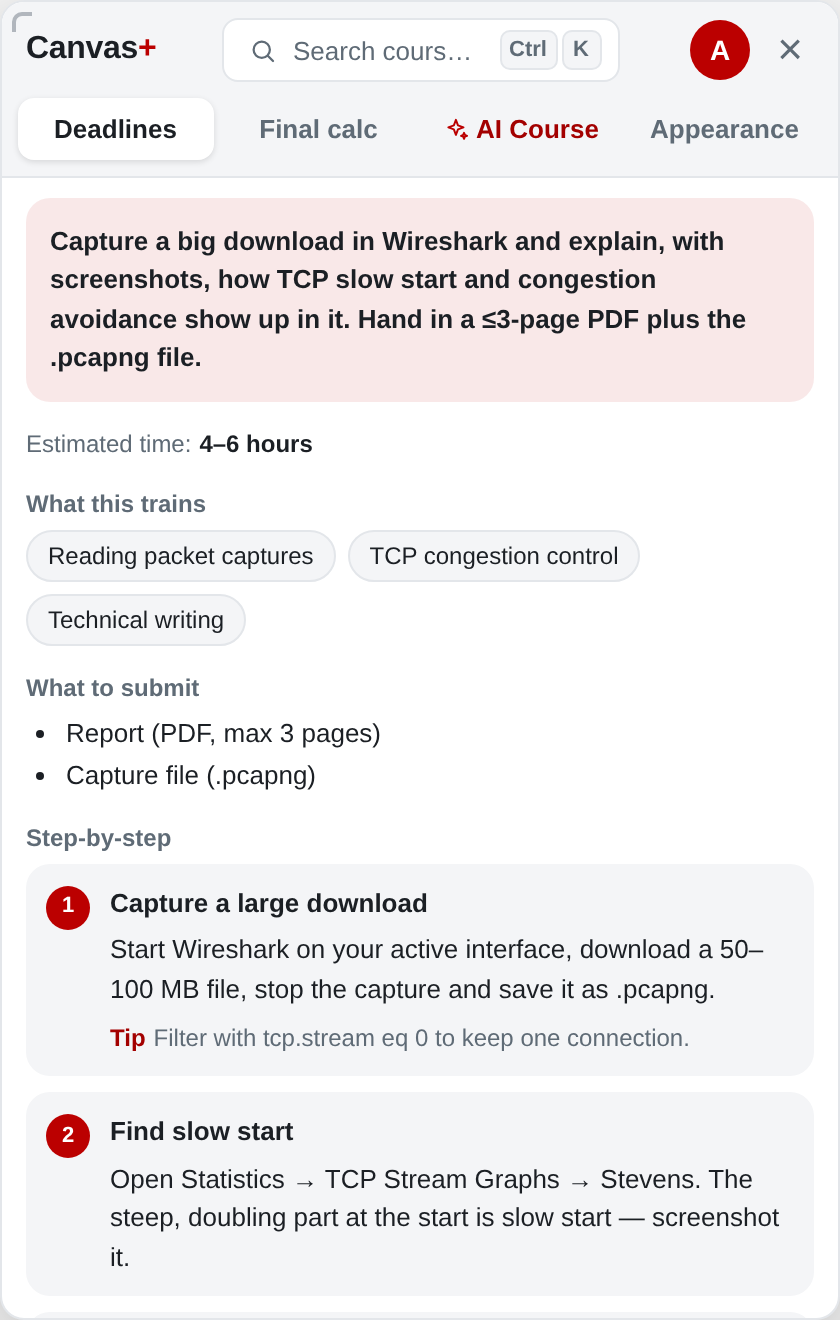
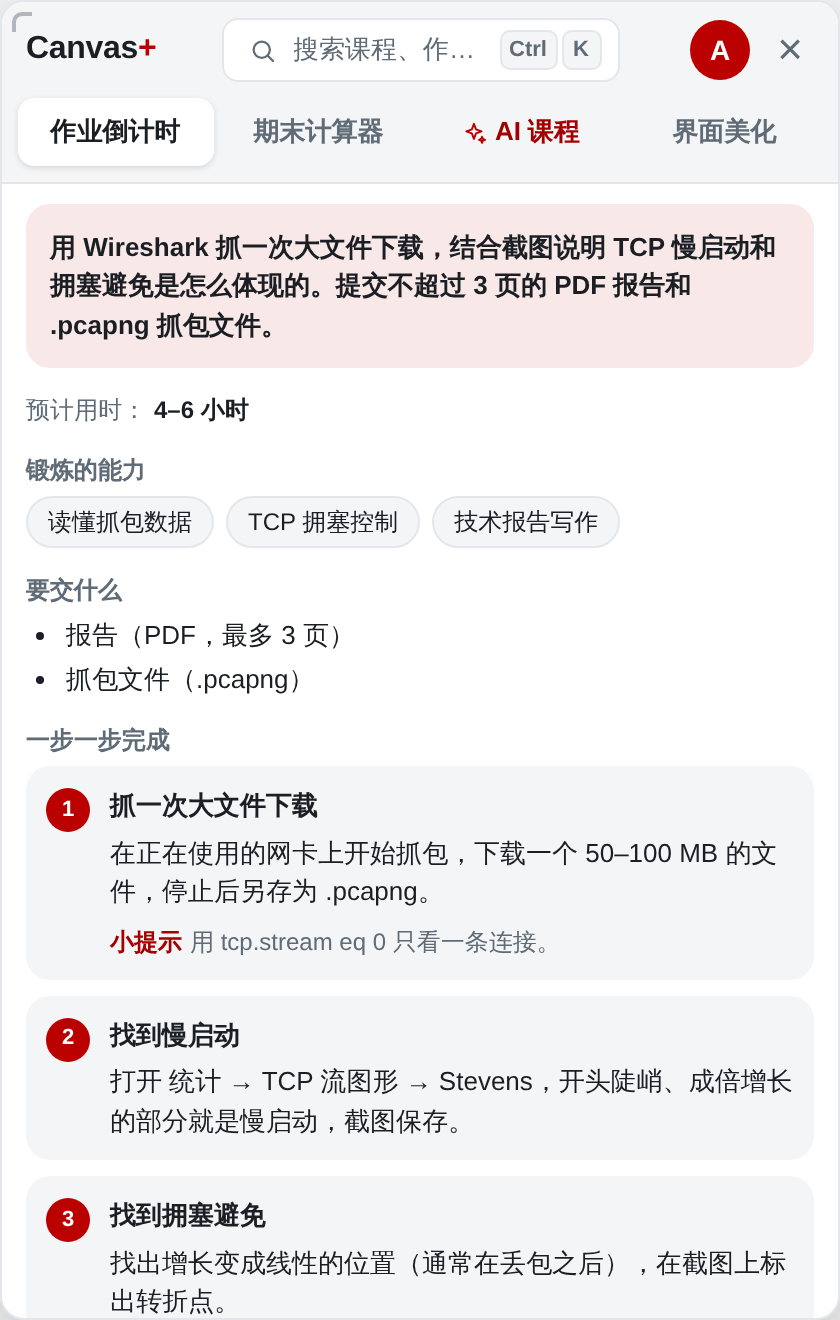
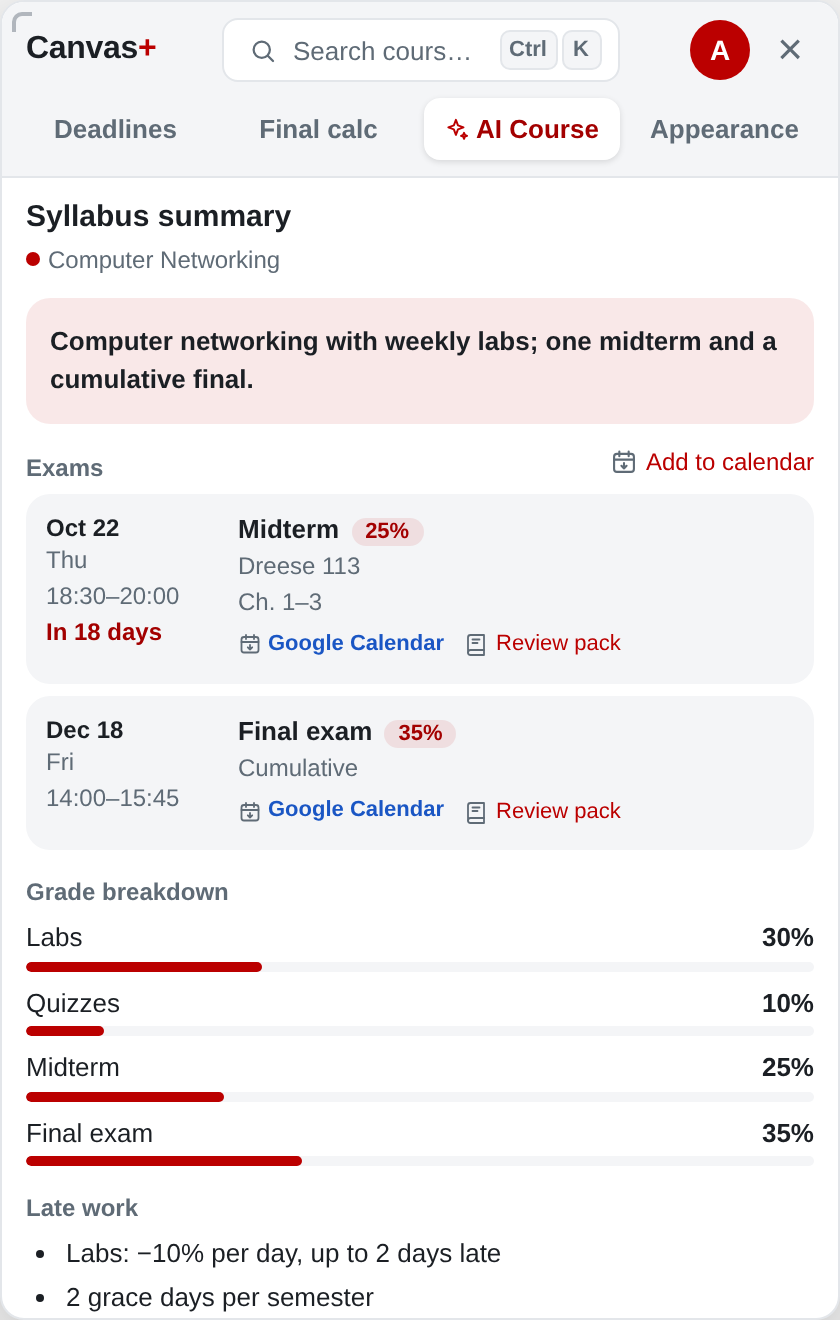
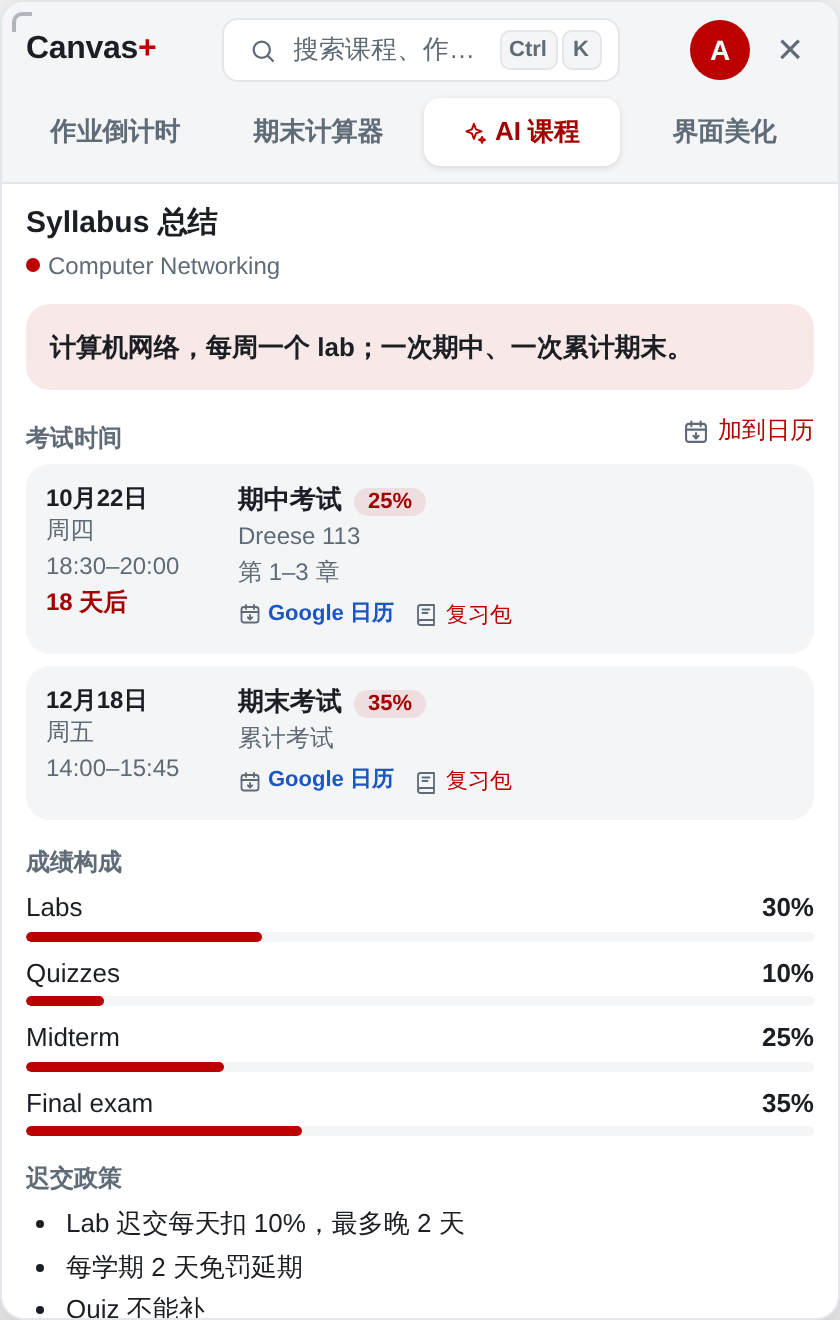
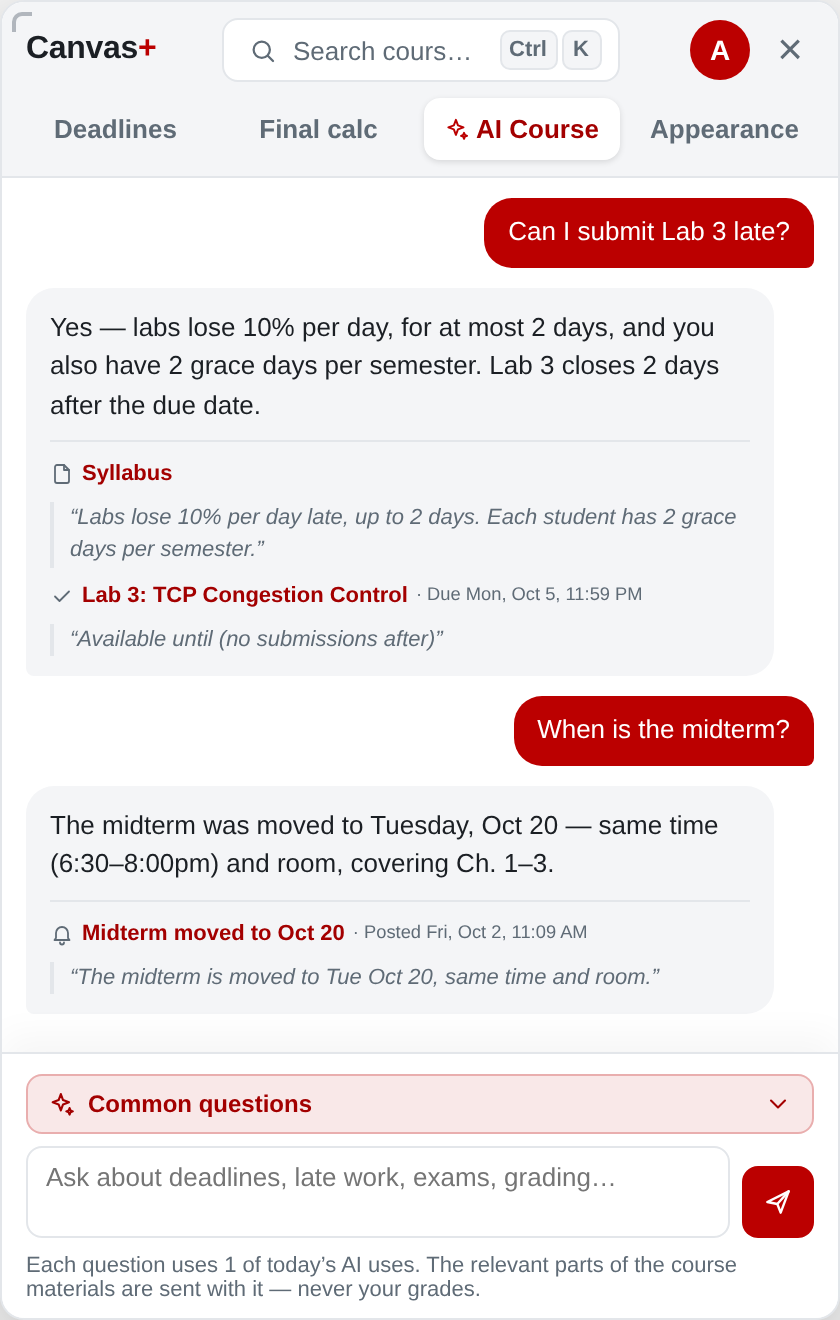
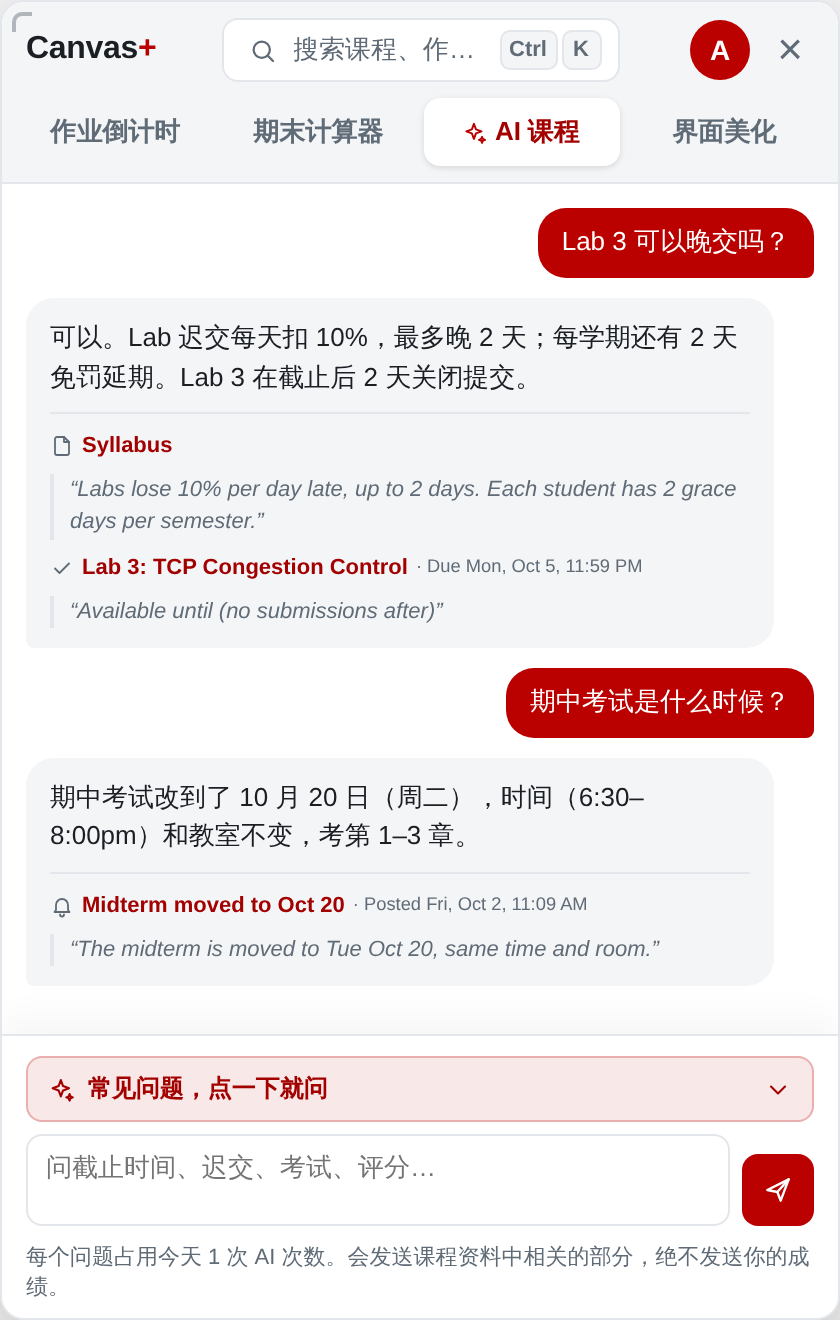
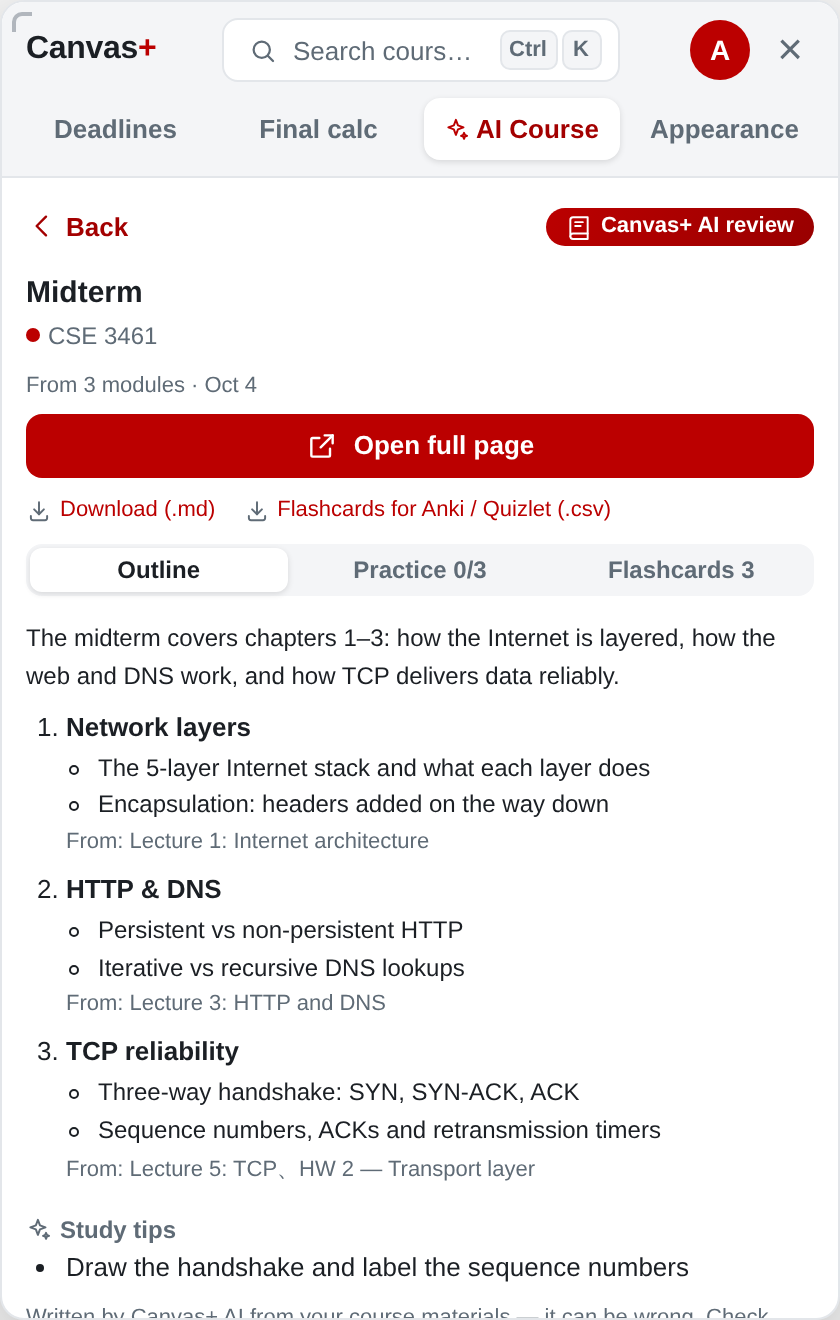
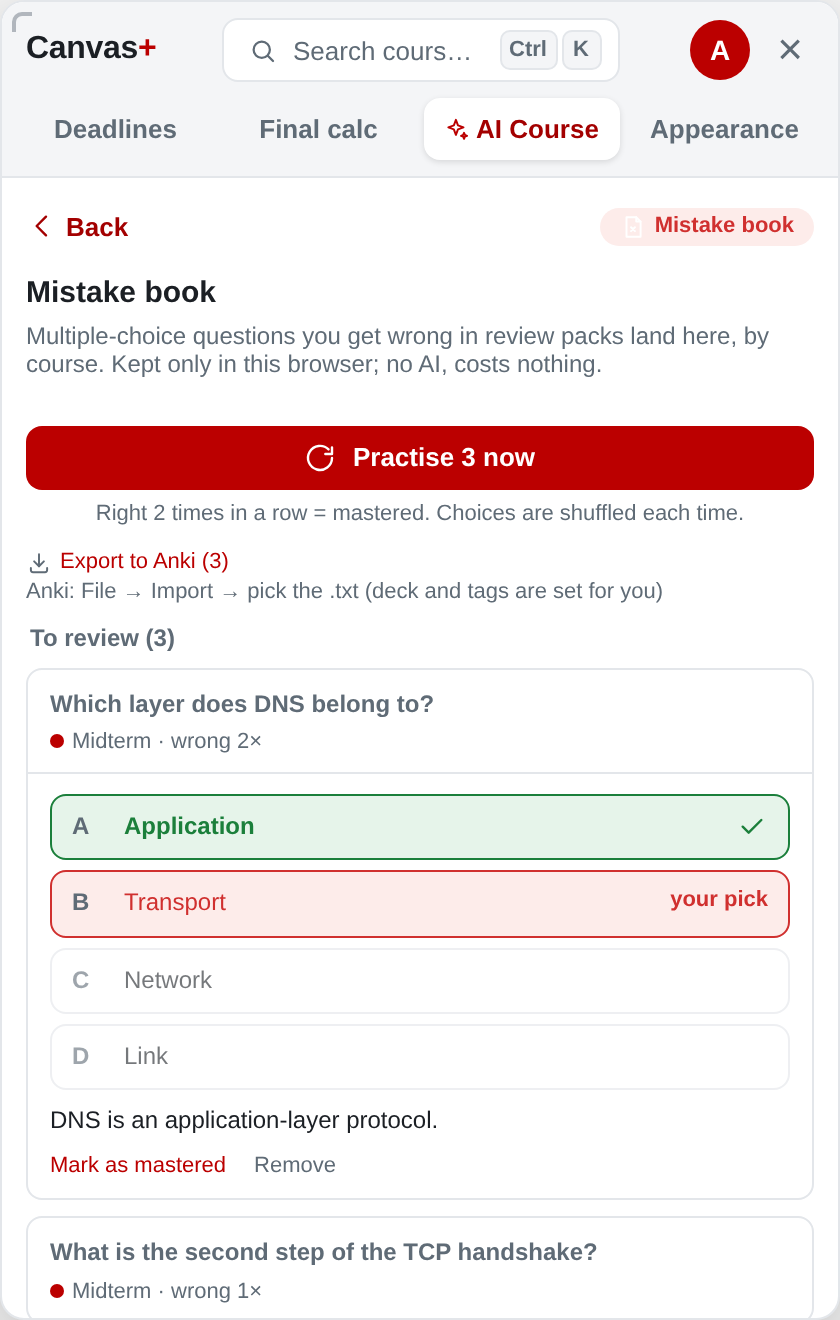
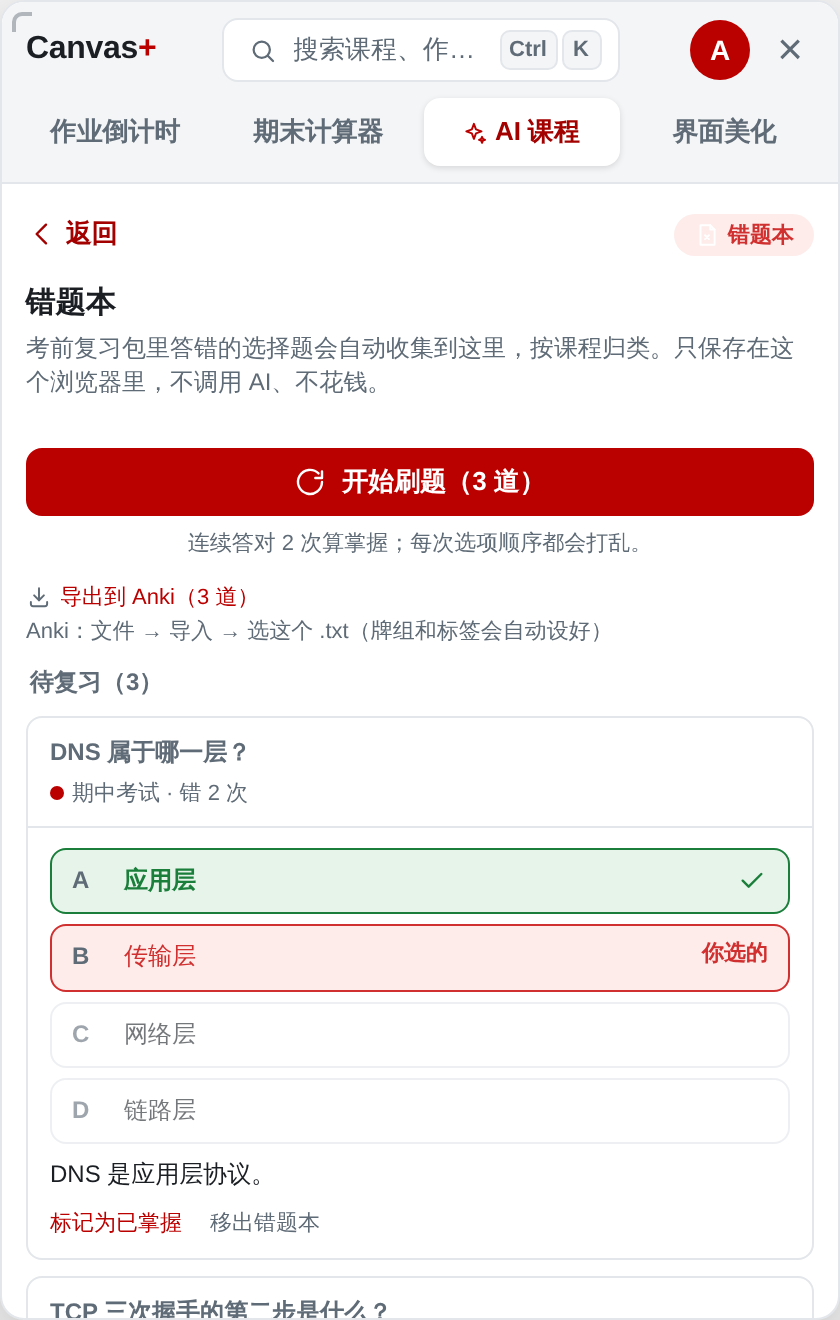
Yes. Deadlines, the calendar, the final calculator, GPA, grade alerts, themes, the mistake book and file downloads are free forever, and every AI feature is included with 3 uses a day. Plus and Pro only add more AI uses.是的。作业倒计时、日历、期末计算器、GPA、出分提醒、界面美化、错题本和课件打包永久免费,所有 AI 功能也都能用,每天 3 次。Plus 和 Pro 只是增加 AI 次数。
Will it do my homework for me?它会替我写作业吗?
No. Canvas+ AI explains what an assignment asks, how to approach it and where people lose points — it never writes the answers. Whether to use AI at all is up to you and each course’s rules.不会。Canvas+ AI 告诉你作业要求什么、怎么入手、哪里容易扣分,但不会替你写答案。是否使用 AI 由你根据每门课的规定决定。
Is it safe? What does it change in Canvas?安全吗?会改动我的 Canvas 吗?
Canvas+ runs in your browser and reads Canvas with your own login, the same pages you can already see. It never submits work or changes grades; the only thing it writes back is a to-do you tick off yourself (synced with Canvas To Do).Canvas+ 在你的浏览器里运行,用你自己的登录读取你本来就能看到的页面。它不会提交作业或改动成绩,唯一会写回 Canvas 的是你自己打勾完成的待办(和 Canvas 待办同步)。
Does it work at my school?我的学校能用吗?
If your school uses Canvas, yes — Ohio State’s Carmen and any school on instructure.com work right away. If your school has its own Canvas address, open the panel there once and turn it on.只要学校用 Canvas 就能用:OSU 的 Carmen 和所有 instructure.com 的学校装好就能用;如果学校的 Canvas 是自己的网址,在那里打开一次面板并开启即可。
Why do I need to sign in?为什么要登录?
A free Canvas+ account (Google, or a 6-digit code to your e-mail — no password) keeps AI use fair and lets a plan follow you to any computer. It stores only your e-mail and plan.一个免费的 Canvas+ 账号(Google 或邮箱 6 位验证码,不用密码)用来公平分配 AI 次数,也让会员能跟着你换电脑。账号只保存邮箱和会员状态。
Which browsers?支持哪些浏览器?
Chrome and Microsoft Edge on computers (Windows, macOS, ChromeOS, Linux).电脑上的 Chrome 和 Microsoft Edge(Windows、macOS、ChromeOS、Linux)。
How do lecture notes for Zoom work?Zoom 课堂笔记怎么用?
Open a Zoom cloud recording that has a transcript and click “Make lecture notes”. You get chapters with timestamps (click to jump), key points and anything said about exams or deadlines.打开一个有文字稿的 Zoom 云录播,点「生成课堂笔记」,就能得到带时间戳的章节(点一下跳转)、重点,以及老师提到的考试和截止信息。
How do I cancel a plan?怎么取消会员?
Any time, from “My account” in the panel → Manage subscription. You keep the plan until the end of the month you paid for.随时都可以:面板里「我的账号」→ 管理订阅。已付费的当月仍然可以继续使用。